
Foldr
Document File Manager
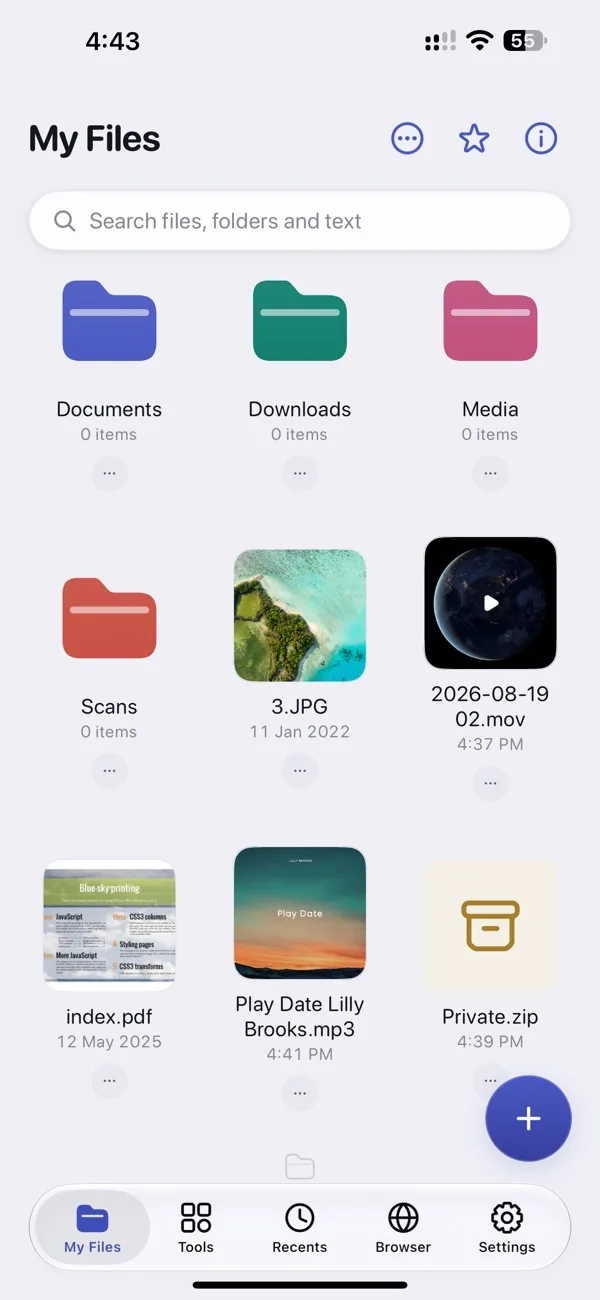
- Organise, rename, zip and unzip files on your iPhone.
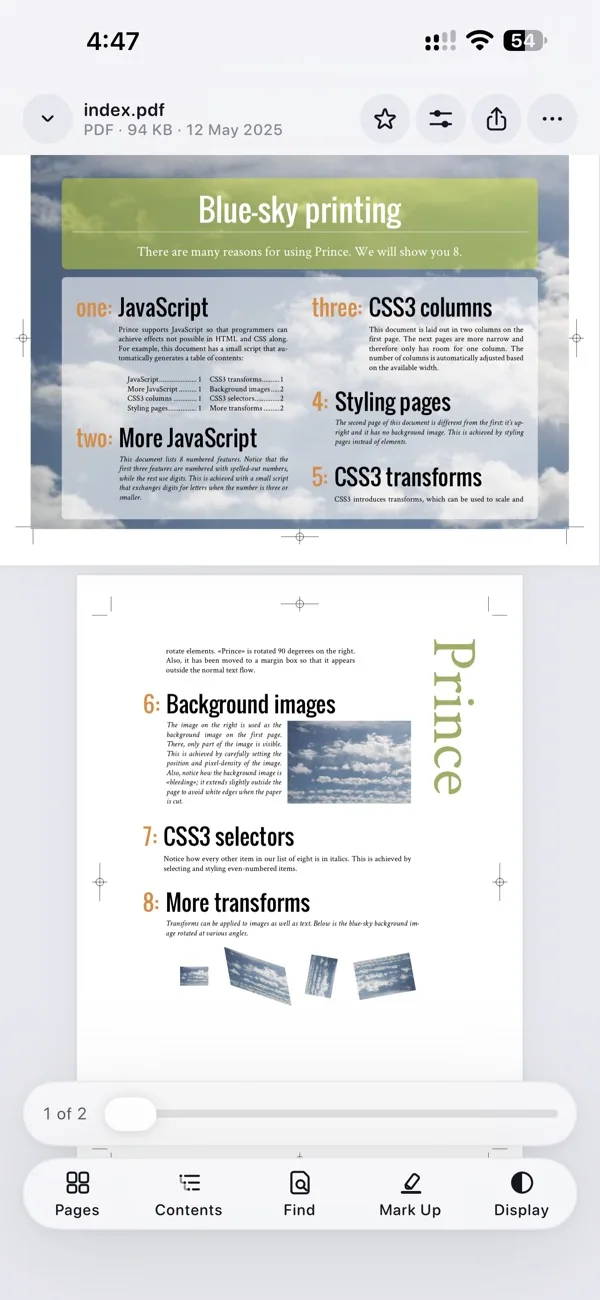
- Open PDFs, photos and videos; connect cloud storage.
- Lock private folders and browse privately.

Details
- Category
- Productivity
- Price
- Free · In-App Purchases
- Requires
- iOS 17.0 or later
- Devices
- iPhone, iPad
- Size
- 85 MB
- Languages
- 1
- Version
- 1.1
- Updated
- September 2026
About Foldr
Your files deserve more than a basic file manager. Foldr combines powerful document tools, secure storage, private browsing, cloud connectivity, and advanced file management into one complete productivity app.
Explore a wide range of features designed to help you organize, edit, protect, and access your files faster—whether you’re working with PDFs, ZIP & RAR archives, photos, videos, or cloud storage.
- Organize files with folders and subfolders
- Copy, move, rename, restore, or delete files with ease
- Use batch actions to manage multiple files at once
- Mark favorites, color-code files, and access recent items quickly
- Search files instantly and sort by name, date, size, or type
- Set reminders for important documents
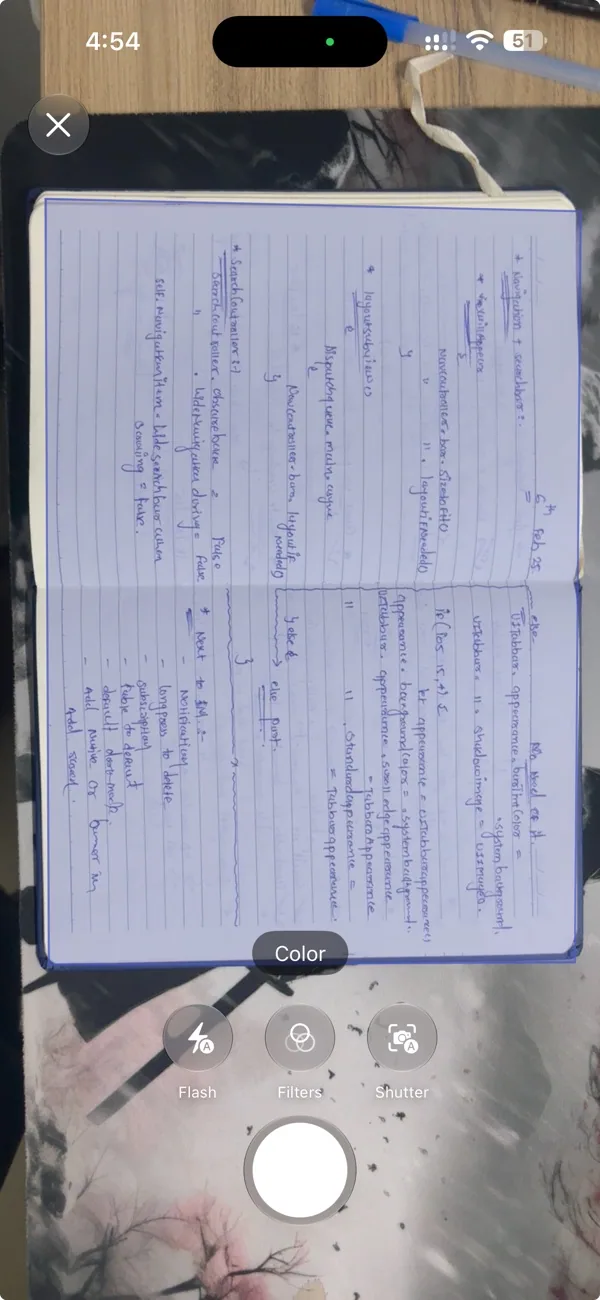
- Scan documents, IDs, receipts, bills, and books with automatic edge detection
- Crop pages automatically and save high-quality PDF scans
- Keep paper documents organised digitally
- Edit text in existing PDF documents
- Highlight, annotate, draw, and add notes or stickers
- Fill forms and sign documents with digital signatures
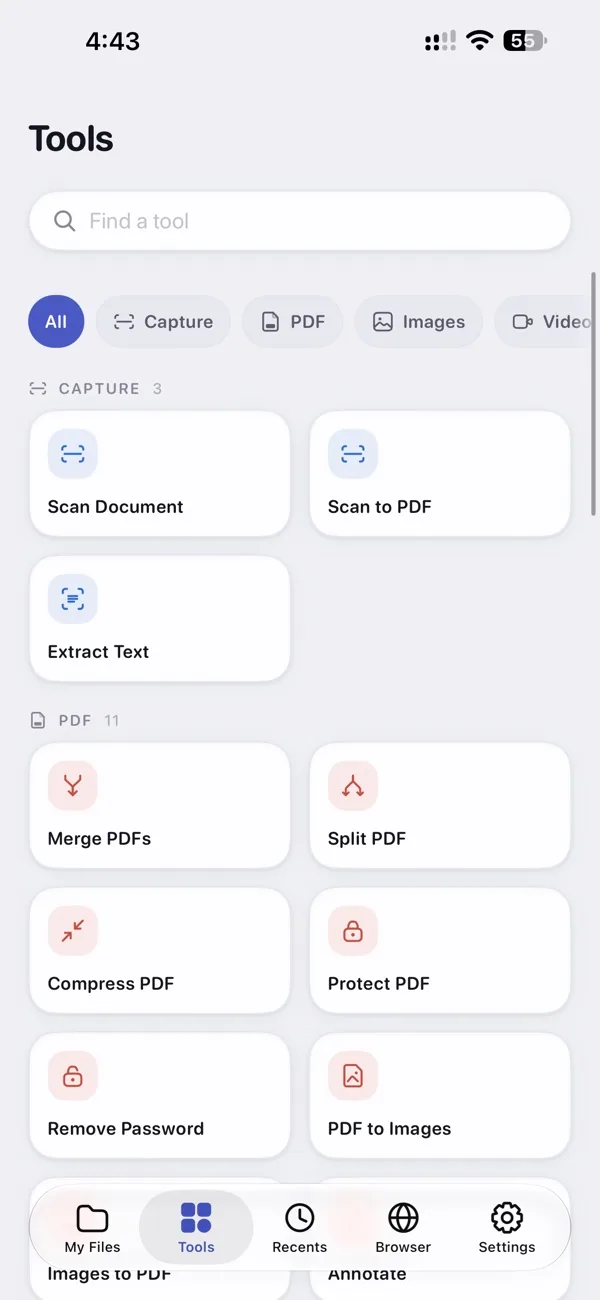
- Merge multiple PDFs into one file
- Split, reorder, rotate, or delete pages
- Add links, replace images, and redact sensitive information
- Extract ZIP, RAR & 7z archives in seconds
- Create ZIP archives to save storage space
- Compress and organize files for easy sharing
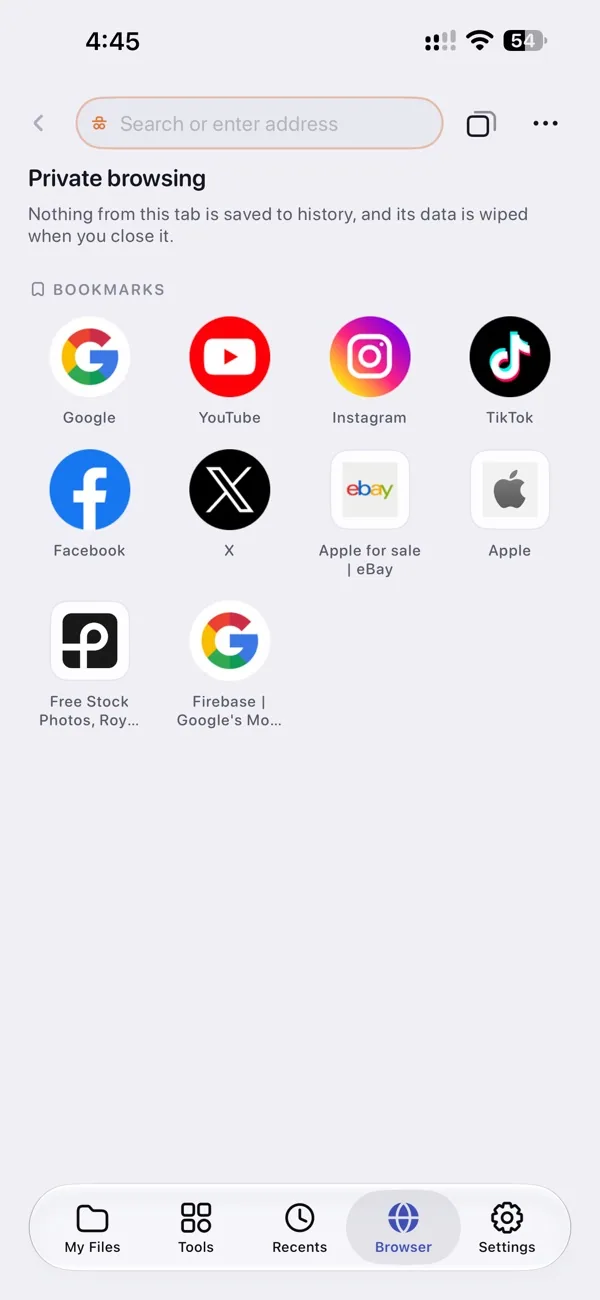
- Browse the web with enhanced privacy
- Open multiple tabs and manage downloads effortlessly
- Download videos, PDFs, ZIP files, and other documents directly into Foldr
- Save web files for offline access
- View, crop, and mark up images
- Draw directly on photos and remove unwanted objects
- Convert images into PDF documents
- Create playlists and edit audio metadata
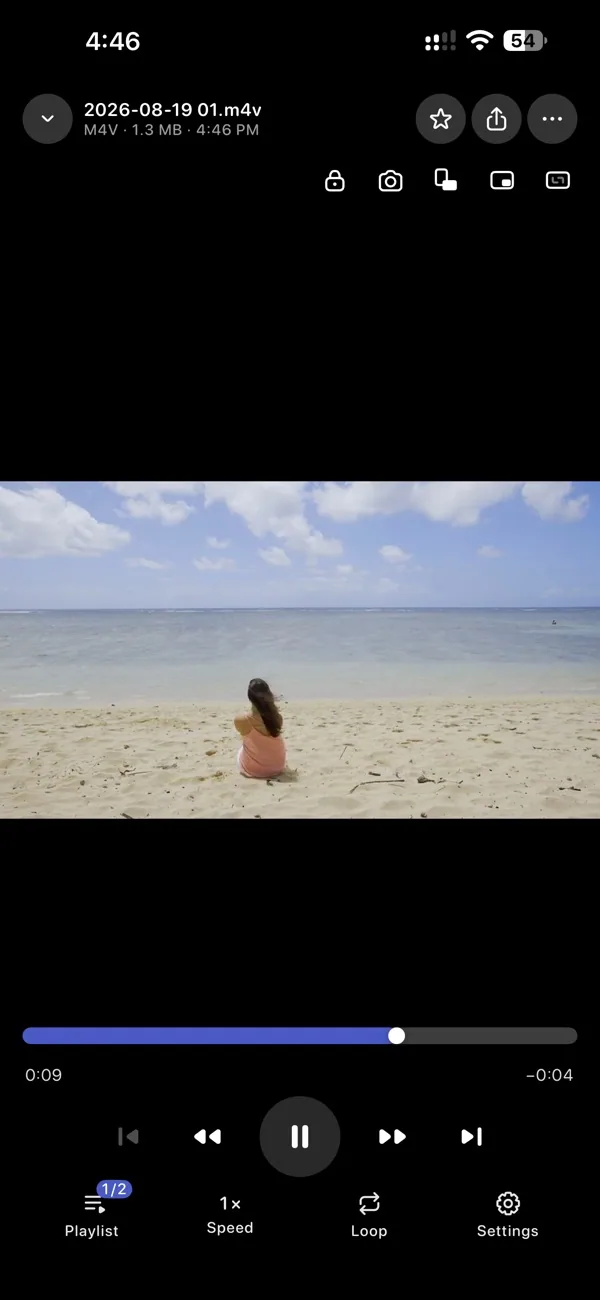
- Trim audio, extract MP3 from videos, and convert video to audio
- Support for popular audio and video file formats
Ai-powered Tools
- Convert audio and video into searchable text
- Generate transcripts for meetings, lectures, and interviews
- Export and share transcriptions whenever you need them
- Connect iCloud Drive, Google Drive, Dropbox, OneDrive, Box, WebDAV, SMB, and FTP/SFTP
- Sync files across devices with two-way synchronisation
- Access important files even when you’re offline
- Import files from the Files app, Photos, Camera, browser downloads, cloud storage, or your computer
- Transfer files wirelessly using Wi-Fi
- Share documents quickly with built-in sharing options
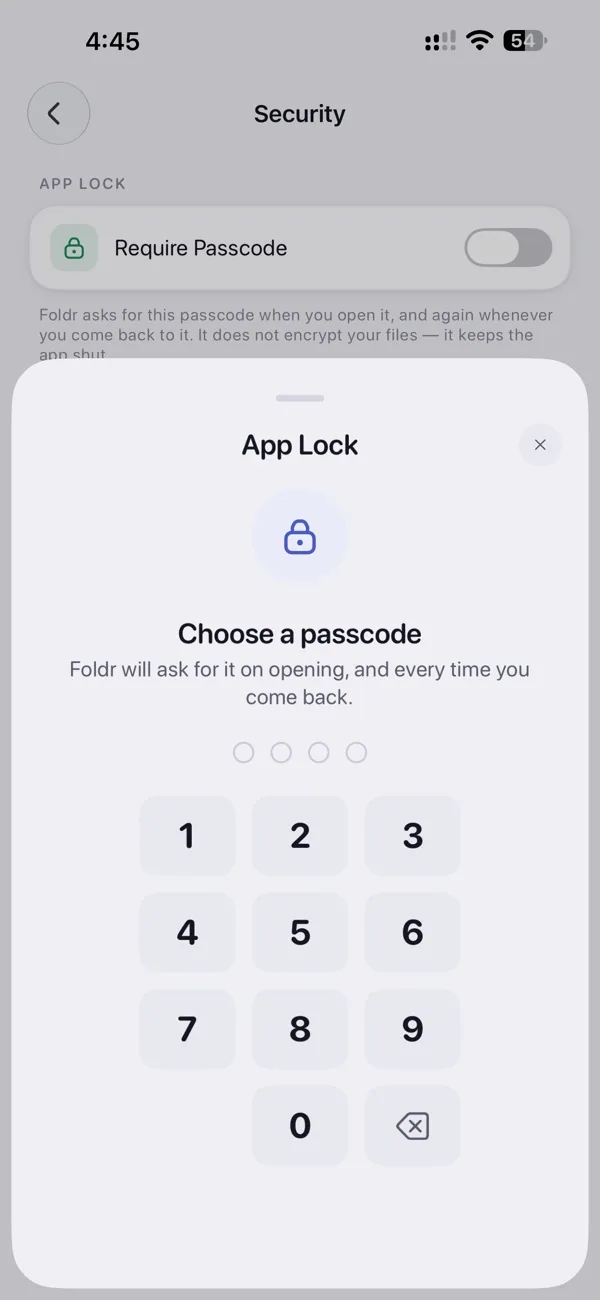
- Lock sensitive files with Face ID, Touch ID, or password protection
- Browse privately and keep personal documents secure
Whether you’re managing work documents, organizing media, editing PDFs, downloading files, or accessing cloud storage, Foldr combines everything into one fast, secure, and easy-to-use file manager.
Download Foldr today and take control of your files with one complete document and file management solution.
Need help with Foldr? Contact support


