
MediaSlim
Video Compressor
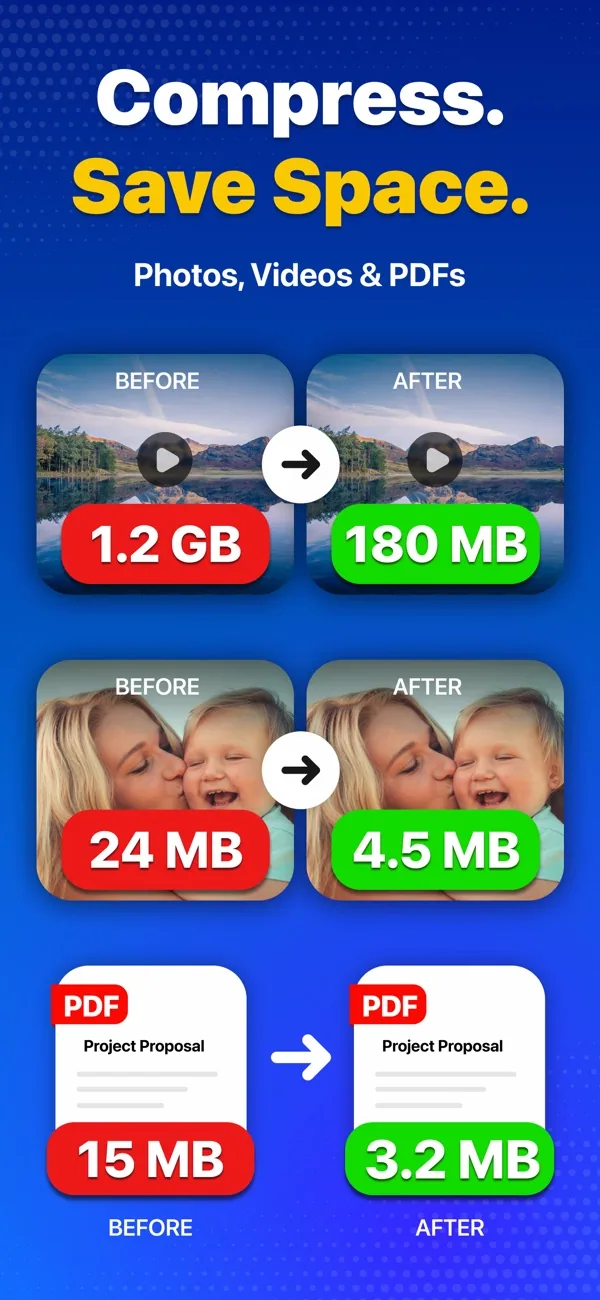
- Compress videos, photos and PDFs without a visible drop in quality.
- Convert HEIC to JPG, video to MP3, and between audio formats.
- Strip hidden metadata before sharing.

Details
- Category
- Utilities
- Price
- Free · In-App Purchases
- Requires
- iOS 17.0 or later
- Devices
- iPhone, iPad
- Size
- 150.7 MB
- Languages
- 9
- Version
- 1.1
- Updated
- September 2026
About MediaSlim
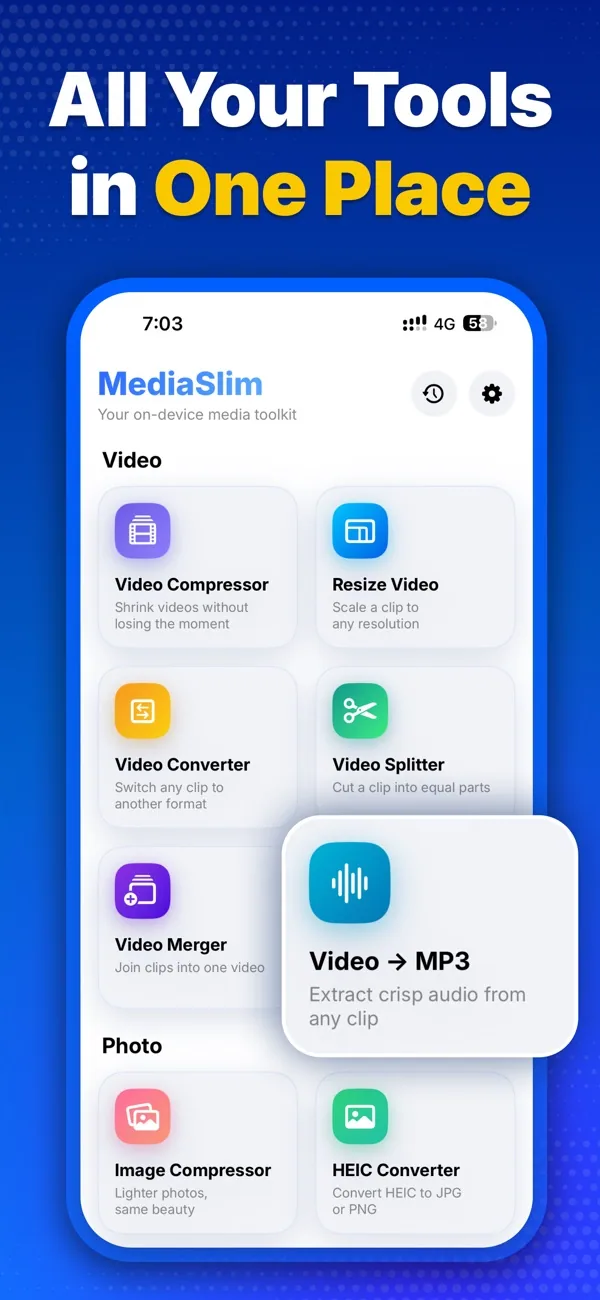
mediaSlim helps you save storage space and manage your files with powerful compression and conversion tools in one simple app.
- Compress videos while preserving excellent quality
- Reduce image sizes and save valuable storage space
- Compress PDF files for faster, easier sharing
- Convert videos to MP3 and extract high-quality audio
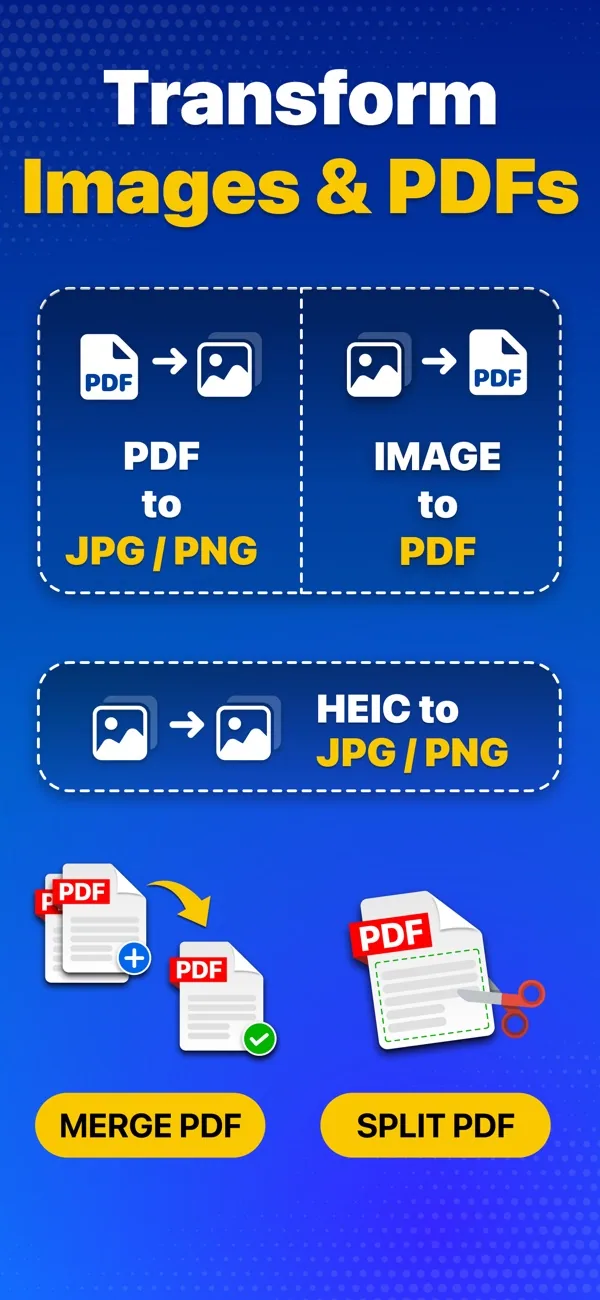
- Convert HEIC photos to JPG or PNG
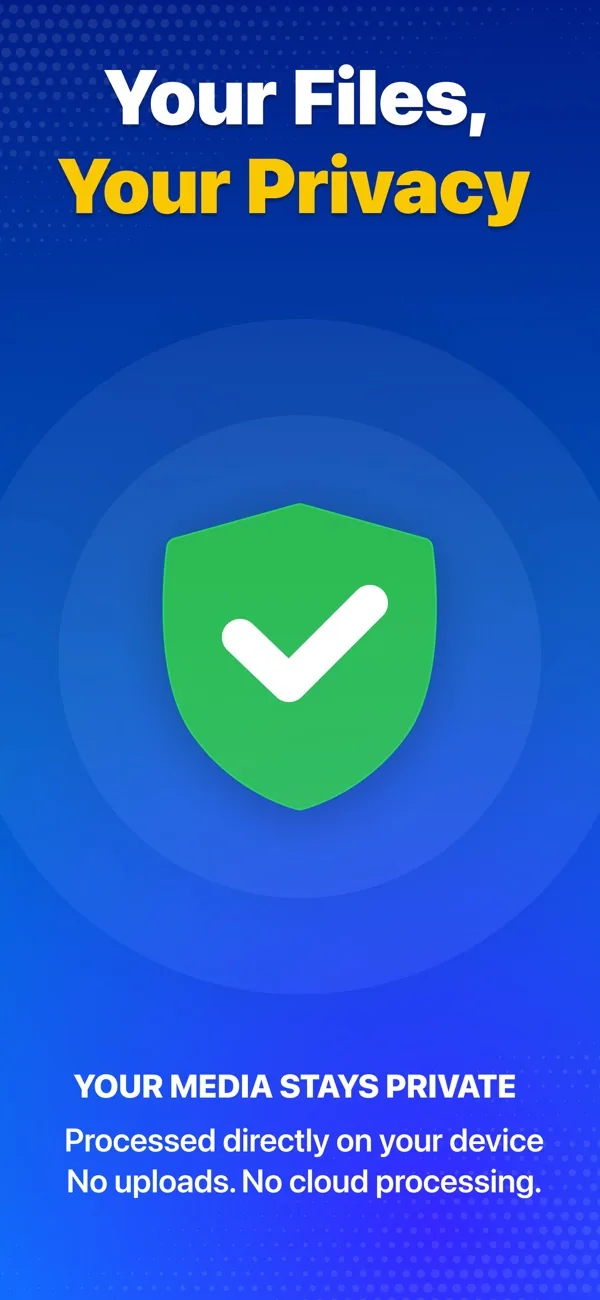
- Remove hidden metadata to help protect your privacy
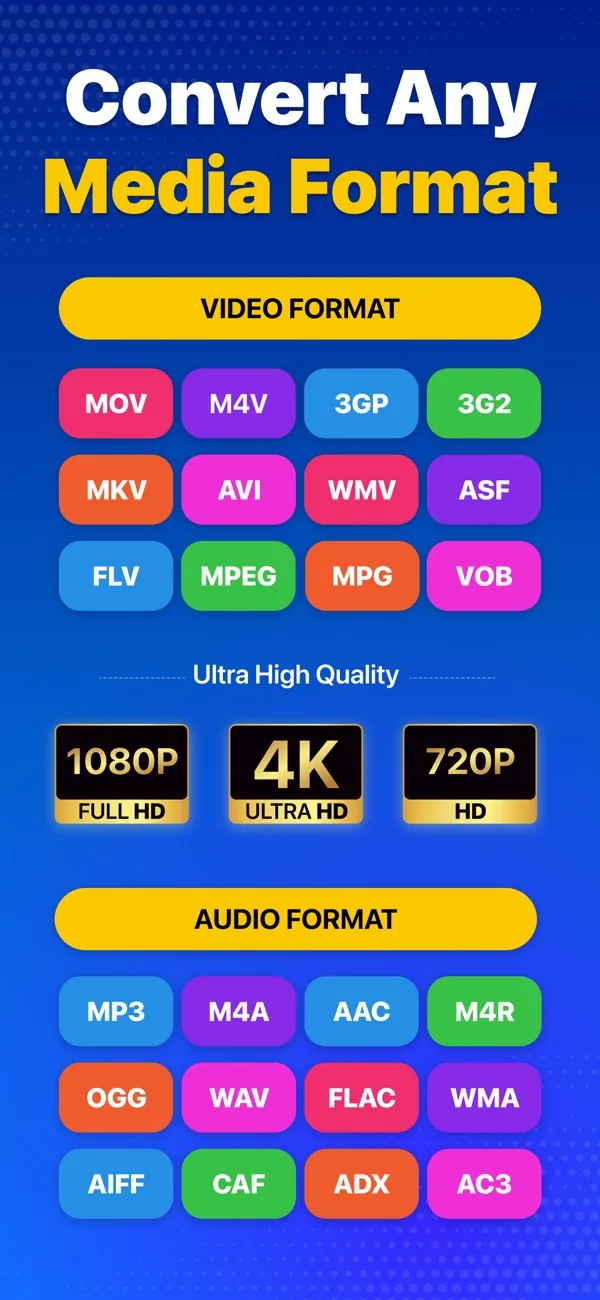
- Convert audio files between popular formats, including MP3, M4A, OGG, WAV, FLAC, WMA, AIFF, CAF, ADX, AC3, AAC, M4R, and OPUS
- Support a wide range of audio codecs, including AAC, MP3, MP2, AMR, Opus, WMA2, WMV2, WAV, M4W, Vorbis, SPEEX, DCA, EAC3, FLAC, and PCM_S16LE
- Convert videos to popular formats, including MP4, MOV, 3GP, 3G2, ASF, MKV, VOB, MPEG, WMV, FLV, AVI, OGV, WEBM, and MPG
- Support a broad range of video codecs, including H.264 (AVC), H.265 (HEVC), MPEG-2, MPEG-4, H.263, AV1, WMV2, VP8, VP9, Theora, Xvid, and more.
Whether you’re cleaning up your device, sharing files faster, or protecting personal information, mediaSlim makes it easy with fast processing and an intuitive experience.
Download mediaSlim and take control of your storage today.
Guide: Compress a video on iPhone without losing quality
Need help with MediaSlim? Contact support


